One workspace for your team.
Mail on your own domain, with tasks, chat, docs, files, meetings, booking, contacts, invoices and signing in the same place. AI agents help, and a person approves what they send.
Free forever for 1 domain, 3 mailboxes and 3 agent inboxes. No card.
Testing first? Use the live demo or a free test address. No client mailbox needed. How to try it safely
Everything in one place
Stop paying for ten apps that don't talk to each other.
Every area works with the others: a thread becomes a task, a contact gets an invoice, a meeting keeps its notes. All of it comes with the free plan.
Mail
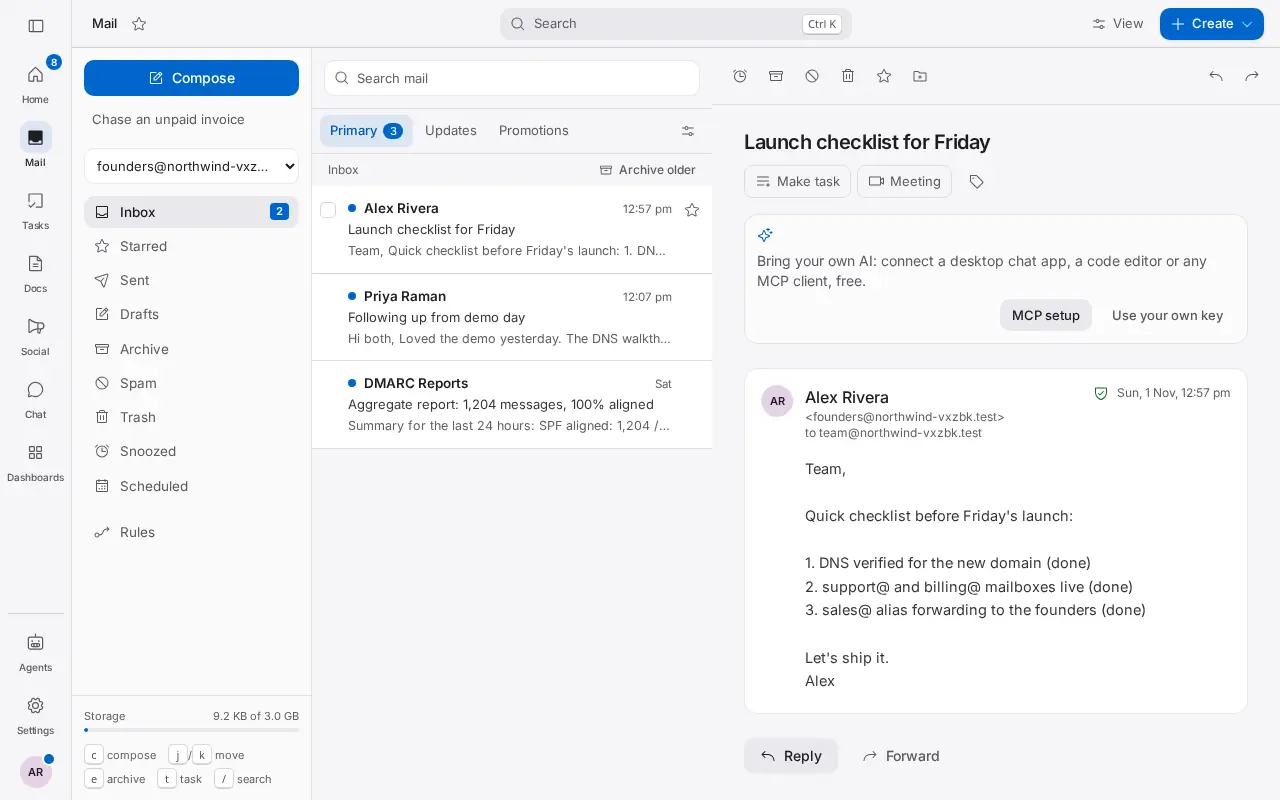
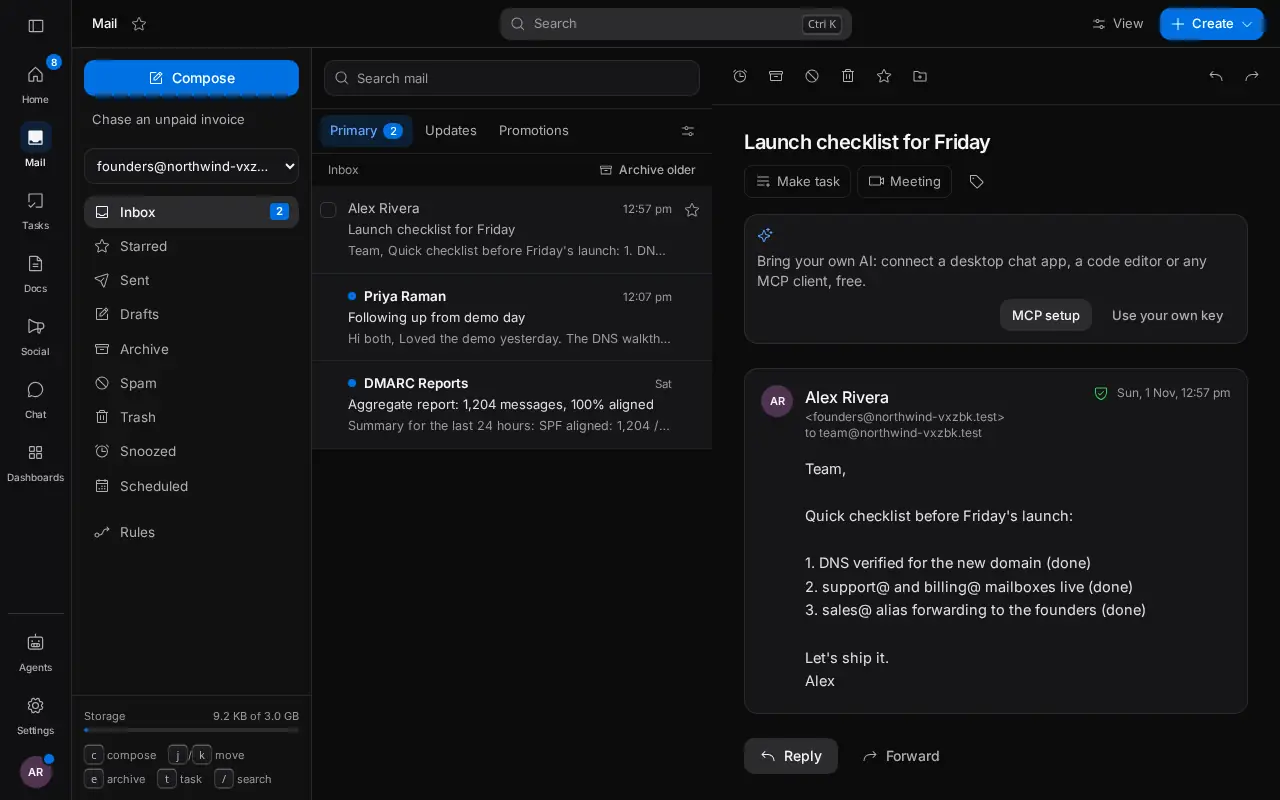
Mailboxes and aliases on your own domain, a shared team inbox and live DNS checks.
Tasks and projects
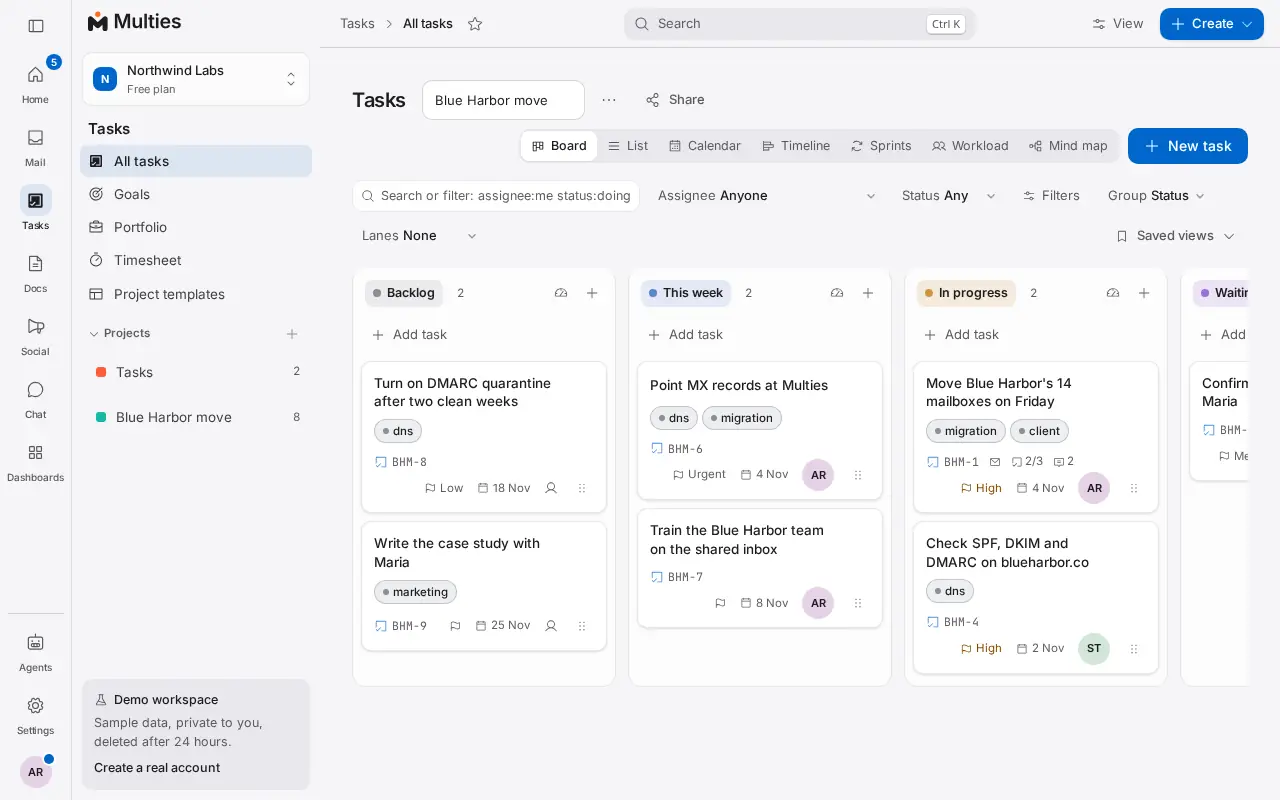
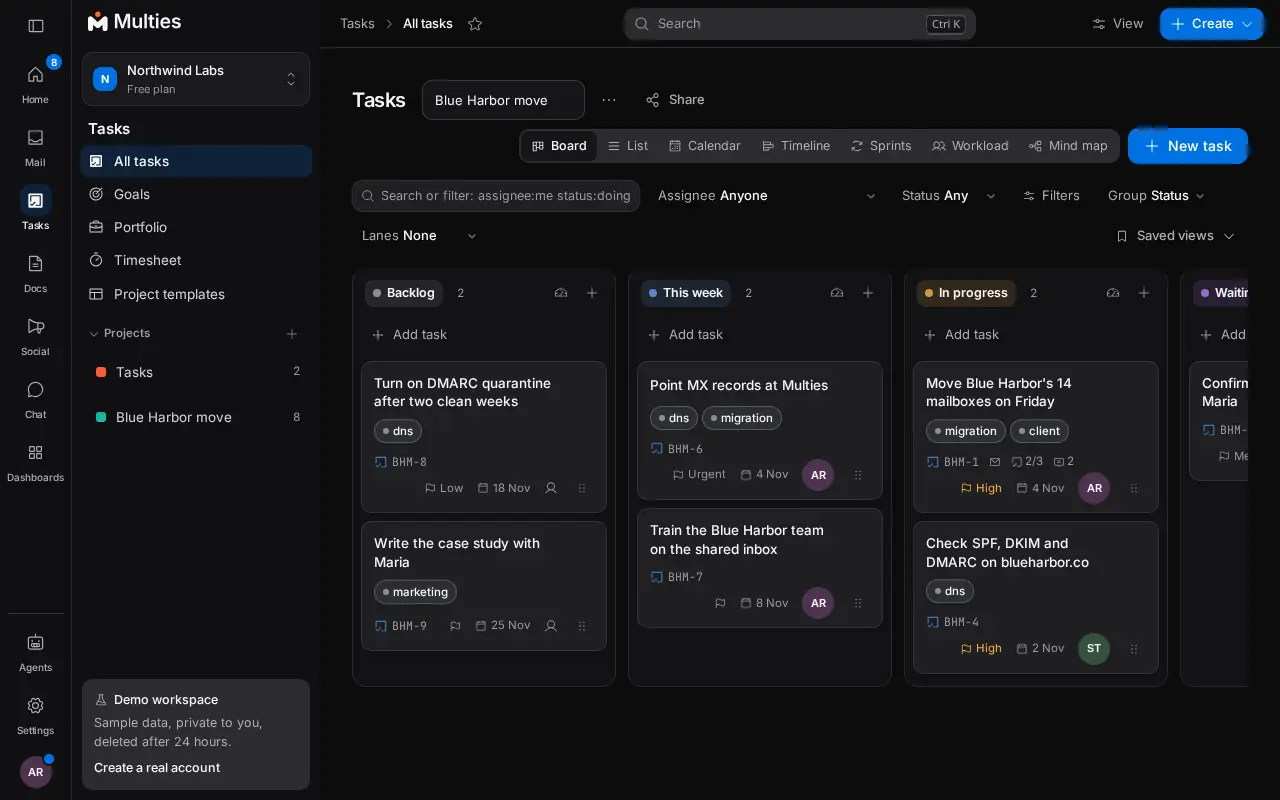
Boards, lists, calendar and timeline, with My Day, time tracking and automations.
Chat
Channels, direct messages and threads beside your mail and tasks.
Docs
Docs, diagrams, whiteboards, a help center and answers from your workspace.
Files
A shared drive with folders, previews, a brand library and safe sharing.
Meetings
Video meetings from any thread, task or contact, with recordings.
Booking
Booking pages, rooms and desks, time polls and events with tickets.
Contacts and CRM
Contacts that build themselves, a deal pipeline, timelines and client portals.
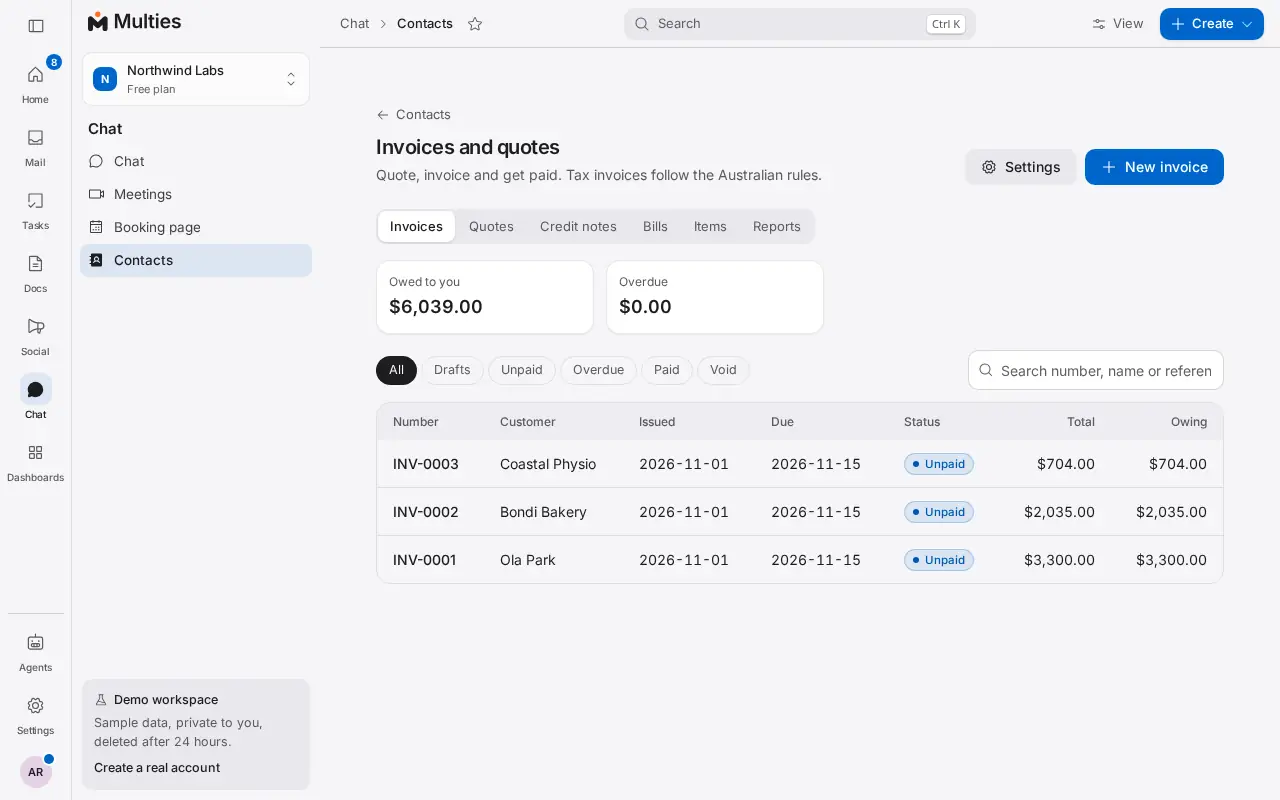
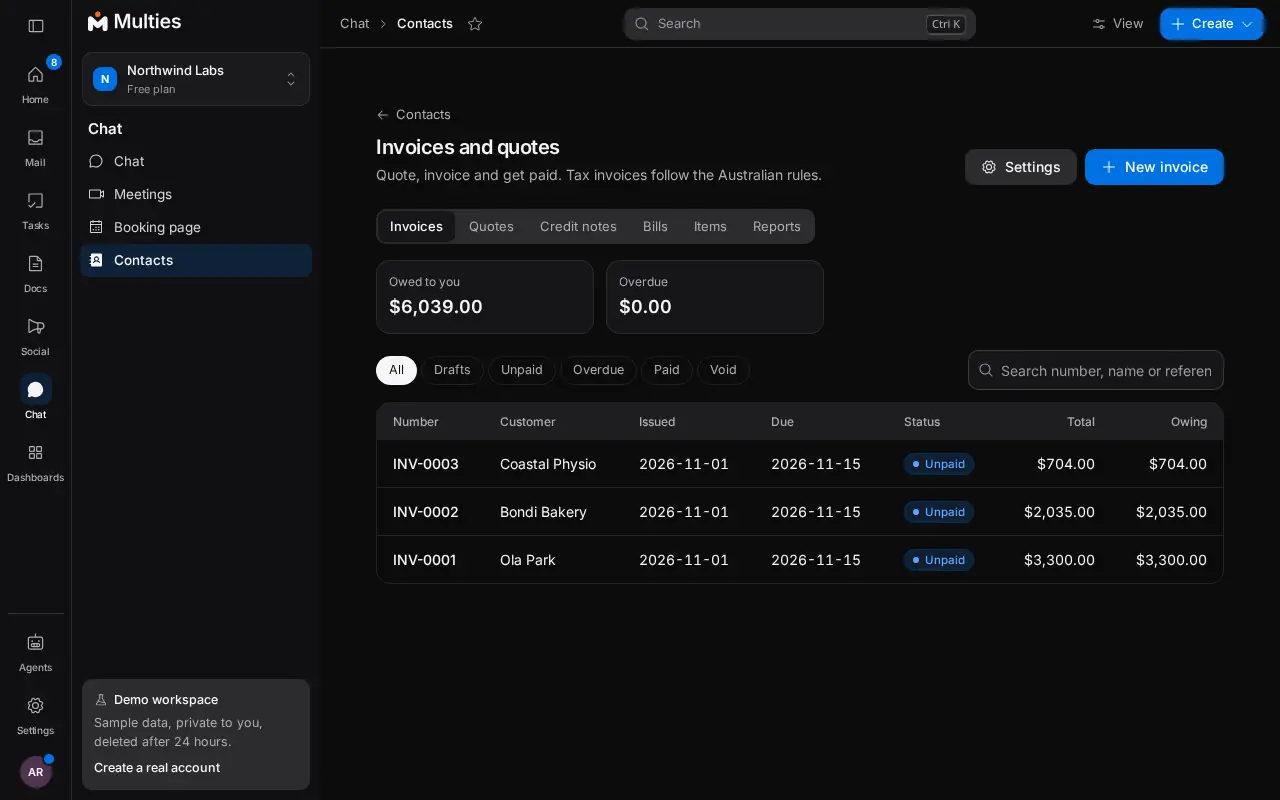
Invoices and quotes
Quotes and Australian tax invoices with GST, links to pay and reports.
Sign and forms
Send documents to sign and collect answers with forms.
Social
Plan, approve and post to your social accounts, and answer comments in one place.
AI agents
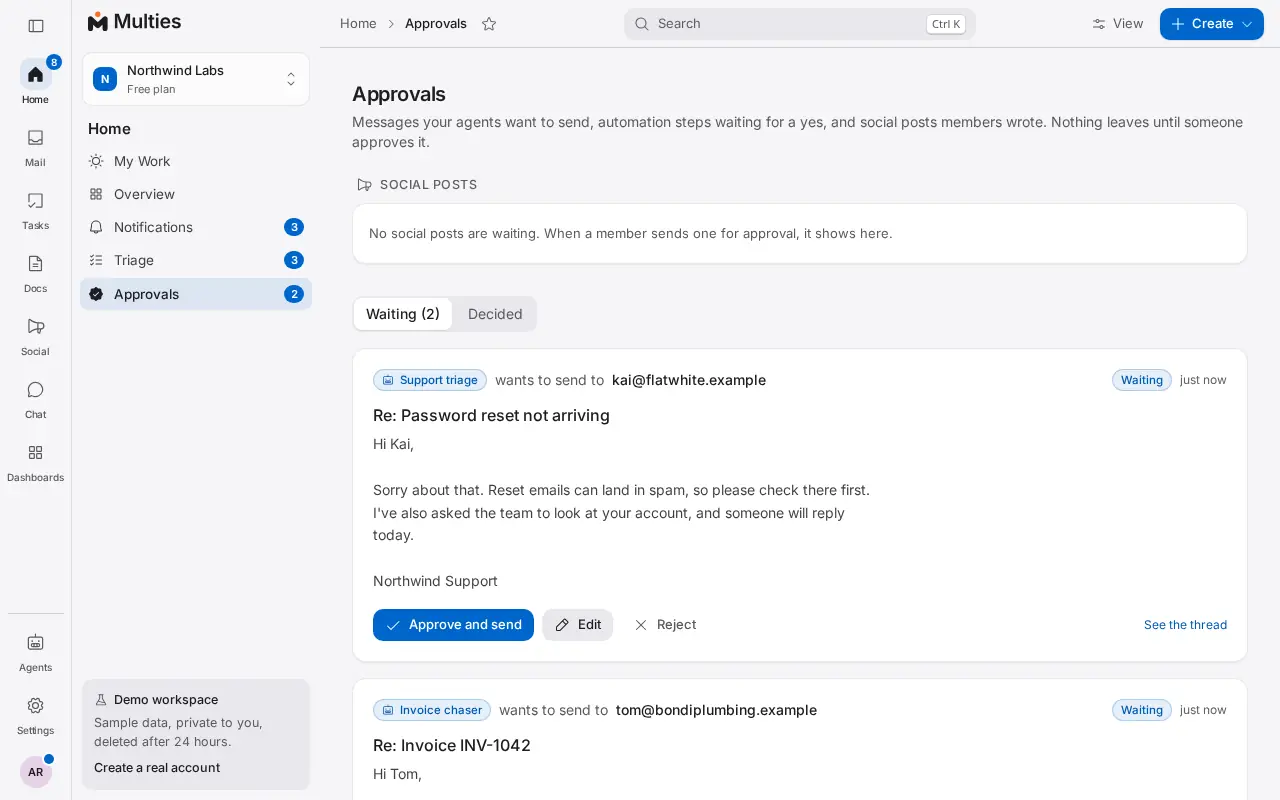
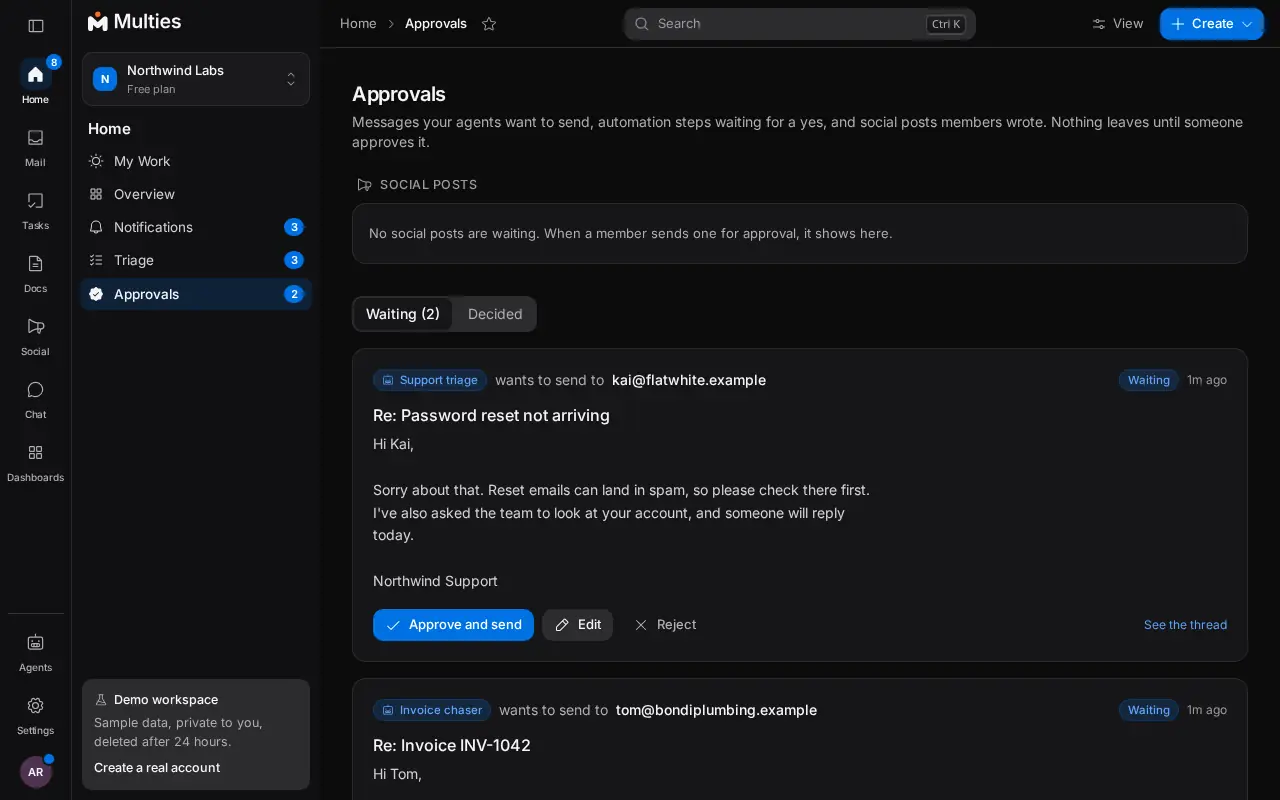
Inboxes for AI agents, with a person approving what they send.
Email on the domain you already own.
Real mailboxes for people and aliases for roles, a shared team inbox, and every DNS record checked live, so your mail lands in inboxes.
- Keep your domain where it is registered. Add a few records, and we check each one live.
- Every domain gets its own DKIM key, bounce handling and DMARC reports.
- A shared inbox with assignments and private notes, or helpdesk tickets with a chat box for your website.
- Newsletters, mail archive and secure sending from your own address.
Work
Turn email into work, without another app.
One click turns a thread into a task. Plan it on a board, a list, a calendar or a timeline, talk it through in chat, and write it up in a doc.
- Boards, lists, calendar and timeline, with custom fields, goals and templates.
- My Day time blocking and time tracking per person and project.
- Docs with diagrams, whiteboards and comments, and team chat beside them.
- Automations and dashboards that keep everyone up to date.
Business
Run the business side in the same place.
Quote and invoice the client you just emailed, let people book a time or a room, and send the contract to sign, without copying anything between apps.
- Quotes and Australian tax invoices with GST, a link to pay and part payments.
- Booking pages, rooms and desks, time polls and events with tickets.
- Contacts that build themselves, with a timeline, a deal pipeline and client portals.
- Signing with an email code and a sealed record, and forms with file uploads, signatures, pages and show or hide logic.
AI agents
AI agents that help, with a person approving.
Give an agent its own inbox on your domain with one API call. By default, everything an agent writes waits for a person to approve it.
- Agent inboxes that read mail as clean JSON and reply in the thread.
- Daily caps, allowed recipients and an audit log of every action.
- Free built in AI with a daily allowance that never bills, or your own key. Connect any AI app or agent through MCP, free.
- Ask a question across your workspace and get an answer that cites only what you can open.
Built for small businesses that own their domain.
- Your data in Oceania. Workspace data is stored in the Oceania region. Some services run in the United States, and the Trust page lists each one.
- Free to start. One domain, three mailboxes and every feature, with no card and no trial clock.
- Priced per business. Add-ons raise limits for the whole workspace, never per person. Guests are free.
- Open to your tools. A REST API, an MCP server and signed webhooks. Developer hub
Set up in about five minutes
- 1
Add your domain
Keep it where it is registered. We read what is there now and show you what to change.
- 2
Add the records we show you
Each DNS record is checked live, so you know the moment everything is right.
- 3
Invite your team
Three people and three mailboxes are free. Guests and clients are always free.
- 4
Bring your agents, if you like
Create an agent inbox or connect your AI through MCP. A person approves what it sends.
Pricing
Free, then only what you need.
Free
For startups and small businesses. Free forever.
A$0for your whole business
- 1 custom domain
- 3 mailboxes and 3 people
- Tasks, boards, docs and contacts, with 1,000 automation runs a month
- Team chat, goals, templates and repeating tasks
- 3 GB shared storage
- Webmail on any device, desktop or phone
- Bring your own AI: connect any AI app or agent through MCP, free.
- 3 agent inboxes with API and MCP access
Add only what you need
Priced per business, never per person. One invoice for everything.
- Extra domainOne more custom domain with its own DKIM key.A$1 / mo per domain
- Mailbox pack5 more mailboxes and 5 more people.A$3 / mo per 5 mailboxes
- Storage pack20 GB more storage, shared by every mailbox.A$2 / mo per 20 GB
- Send boost1,000 more recipients a day to addresses outside Multies.A$2 / mo per 1,000 sends a day
- Agent inboxOne more inbox for an AI agent, with 1,000 more agent messages a month.A$1 / mo per inbox
Prices in AUD, excluding GST. Pay yearly and get two months free. Under A$5 a month in total bills once a year, so one extra domain is A$10 a year.
Questions, answered.
- Is it really free?
- Yes. One domain, three mailboxes, 3 GB, three agent inboxes, for as long as you like, with no card. Add-ons cost A$1 to A$3 a month each, for the whole business, never per person. Pay yearly and get two months free, or use the code LAUNCH30 for 30 percent off your first 3 months of monthly billing.
- Do you reward referrals?
- Share your workspace's referral link from Settings, Billing. When a workspace that signed up through it makes its first payment, and that payment is not refunded within 14 days, both workspaces get a credit worth one month of the new workspace's add-ons (at least A$1, at most A$20). Each workspace can earn up to 12 referral credits a year, and referring your own workspace does not count.
- Are tasks, docs, booking and invoices extra?
- No. Tasks, chat, docs, files, meetings, booking, contacts, invoices, signing and social come with every workspace, the free plan too. Add-ons only raise limits like mailboxes and storage.
- What does the AI cost?
- Nothing from us. Every workspace gets a daily allowance of built in AI at no cost, and when it is used up AI pauses until the next day, so it never bills you. Team AI gets 50 free runs a day per workspace on built in AI, with no run limit from us on your own key. For more, add your own model provider key in Settings and your provider bills you directly. You can also connect any AI app or agent through MCP, free. An admin can turn AI off for the whole workspace.
- Can an agent send email without me?
- Only if you let it. New agents need a person to approve every message. You can relax that to only mail leaving Multies, or turn it off, and set a daily cap and a list of who it may write to.
- Do I need to move my domain?
- No. Keep your domain wherever it's registered. You add a few DNS records. We show you each one, check them live, and tell you when everything's right.
- I already have email somewhere else. Can I switch?
- Yes. We spot your existing mail records and show you exactly what to change, including a merged SPF record, so nothing breaks during the move. You can bring your tasks over from the tool you use now too.
- Where is my email stored?
- Multies does not offer Australia only storage today. Your workspace data, including mail synced from a connected mailbox, is stored in our database in our hosting provider's Oceania region, and our app servers run in Sydney. Some supporting services run outside Australia, mainly in the United States. Each one is listed below with the data it sees.
- Can I try it without connecting a client mailbox?
- Yes. Open the live demo, a sample workspace with made up mail and no sign up, deleted after 24 hours. Or take a free test address like yourname@mail.multies.si. Connect a real mailbox only when you are ready; removing it deletes our copy.
- Is my email private?
- Workspaces are fully isolated, sessions are server side, passwords are hashed, and signing keys and webhook secrets are encrypted at rest. Every admin action is in your audit log.
Get the app
Multies on your phone.
Multies works in the browser on any phone or computer: sign in at multies.si. The iPhone and Android apps are in testing and are not in the stores yet.
The iPhone public beta runs through Apple TestFlight. Testers get new features first and can send feedback from the app.