Features Tasks and projects
Turn email into work, without another app.
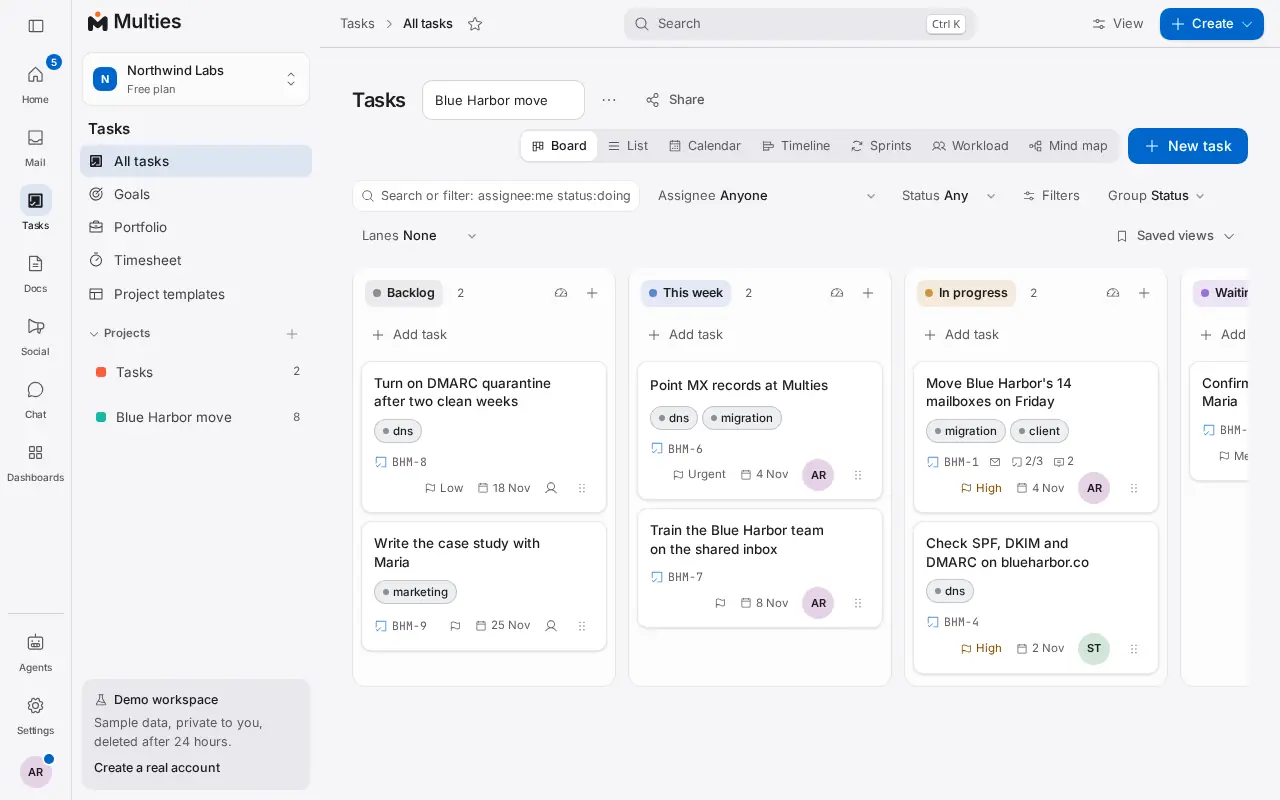
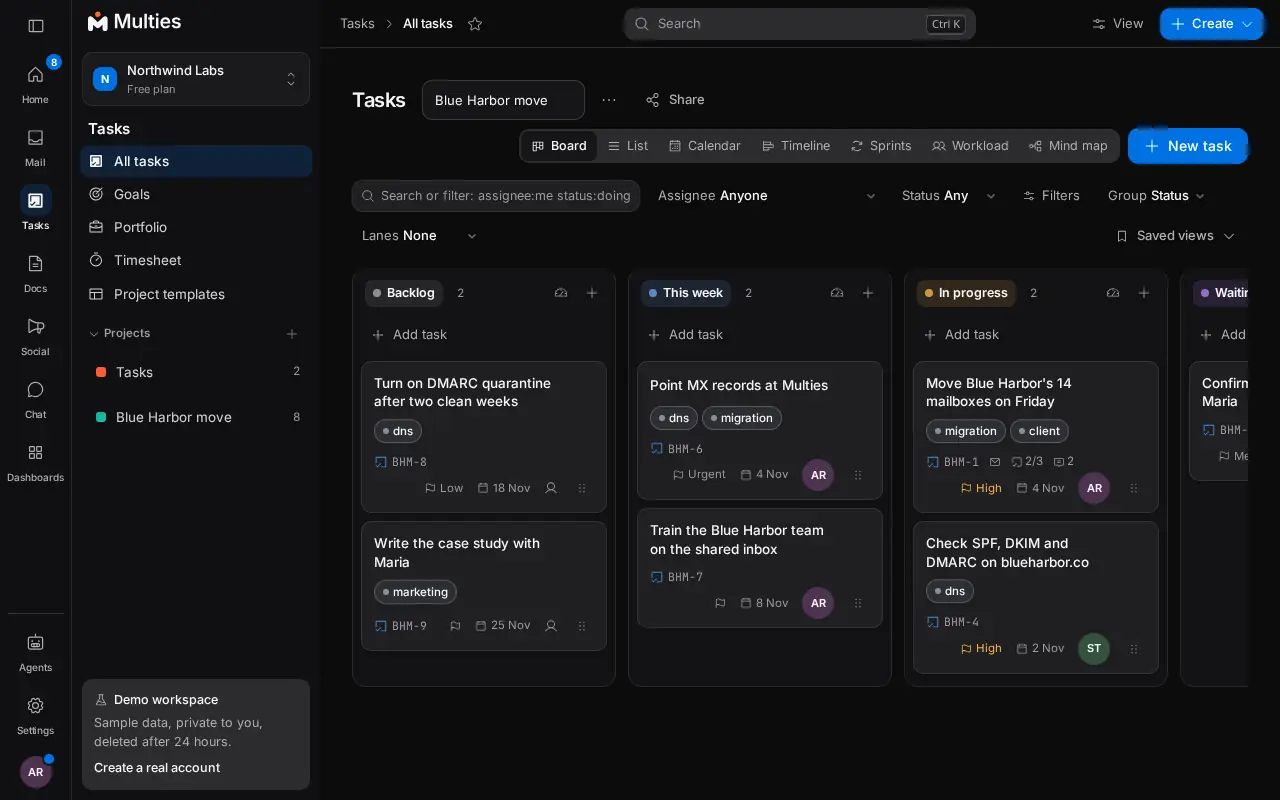
Plan projects on boards, lists, a calendar or a timeline. One click turns a thread into a task with the message linked, so nothing gets lost between mail and work.
What you can do
Tasks from email
Make a task from any thread with its subject and latest message. Assign it to a person or an agent, set a due date and priority, add subtasks.
Boards, lists and timelines
Drag cards across a board, sort a list, plan on a calendar or a timeline with dependencies. Each project has its own statuses.
My Day and time tracking
Drag today's tasks onto your day to block out time, start a timer on any task, and see timesheets per person and project.
Custom fields, goals and templates
Add fields like Budget or Stage, then filter and group by them. Set goals that roll up, and start projects from templates.
Automations
Build flows that react to new mail, tasks or forms, with a run log, watchers and outgoing webhooks.
Dashboards
Charts and numbers on your work, shared by link, emailed on a schedule, with alerts when a number moves.
Where to find it: Tasks in the left menu. Included in every workspace, the free plan too.
More in Multies
Mail
Mailboxes and aliases on your own domain, a shared team inbox and live DNS checks.
Chat
Channels, direct messages and threads beside your mail and tasks.
Docs
Docs, diagrams, whiteboards, a help center and answers from your workspace.
Files
A shared drive with folders, previews, a brand library and safe sharing.
Meetings
Video meetings from any thread, task or contact, with recordings.
Booking
Booking pages, rooms and desks, time polls and events with tickets.
Contacts and CRM
Contacts that build themselves, a deal pipeline, timelines and client portals.
Invoices and quotes
Quotes and Australian tax invoices with GST, links to pay and reports.
Sign and forms
Send documents to sign and collect answers with forms.
Social
Plan, approve and post to your social accounts, and answer comments in one place.
AI agents
Inboxes for AI agents, with a person approving what they send.